ScreenCloud Review (2026): Is It Worth the Price?
This ScreenCloud review covers what IT managers actually need to know before committing to one of the more expensive digital signage platforms on the market. ScreenCloud positions itself firmly at the mid-market and enterprise end of the spectrum, and the pricing reflects that. The question is whether the additional capability justifies the cost compared to platforms like Yodeck or OptiSigns that cost roughly half as much. The short answer: for smaller deployments, probably not. For larger, more demanding ones, possibly yes.

Quick verdict on ScreenCloud
Best for: IT teams managing 20+ screens across multiple locations who need enterprise-grade device management, rich integrations, and reliable uptime SLAs.
Not right for: SMBs deploying fewer than 10 screens, teams on a tight budget, or deployments that only need images, videos, and basic scheduling.
Starting price: from $20/screen/month (Core), $30/screen/month (Pro). Annual billing saves approximately 17%.
Who this ScreenCloud review is for
This review is written for IT managers and AV teams evaluating ScreenCloud for a business deployment. It focuses on the practical questions: what you actually get, what it costs, where it falls short, and which types of deployments it suits best. If you are comparing multiple platforms rather than evaluating ScreenCloud specifically, see our full digital signage software comparison.
What ScreenCloud does
ScreenCloud is a cloud-based digital signage CMS built for organisations that need more than a basic content scheduler. The platform covers four areas that matter at scale:
Content management and scheduling
ScreenCloud’s Studio interface handles playlists, channels, and content scheduling at a level of granularity that smaller platforms skip. You can assign specific content to individual screens, schedule at the playlist or channel level, and layer in rules based on time, date, or triggers. The drag-and-drop interface is polished, content teams can operate it without IT hand-holding.
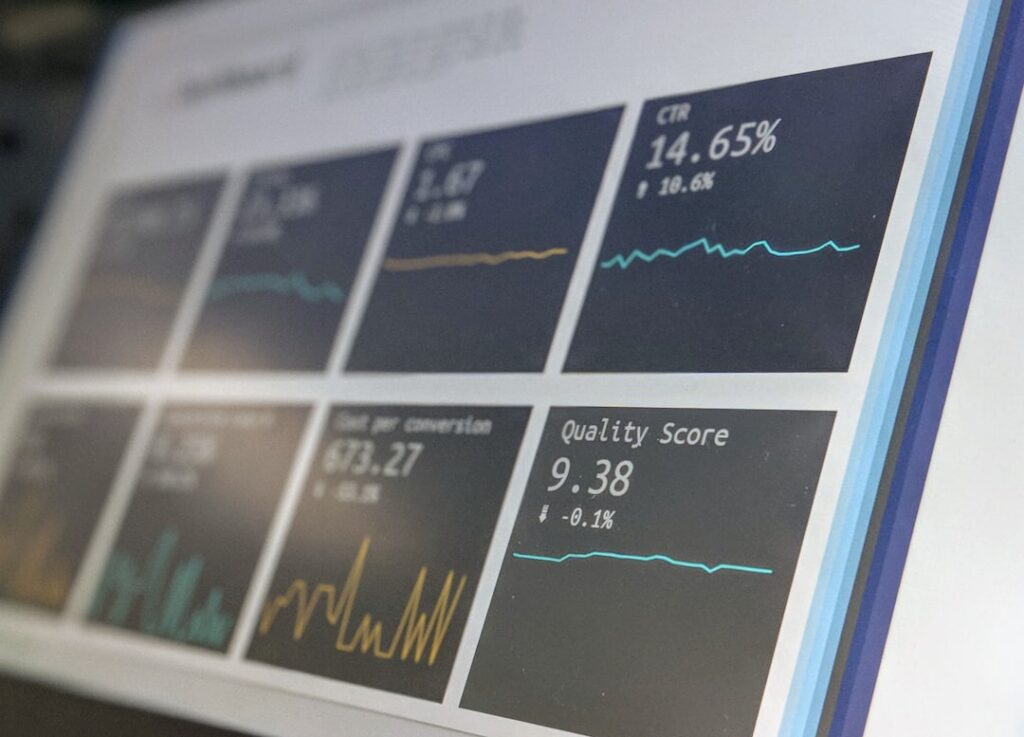
The app library runs to 100+ integrations, including native connections to Microsoft Teams, SharePoint, Power BI, Google Workspace, Canva, Slack, Salesforce, and dozens of data feed tools. Live dashboards pull in real-time data rather than requiring static exports. For operations teams wanting KPI screens or live production metrics, this is where ScreenCloud earns its price premium.
Device management
Device management is arguably ScreenCloud’s strongest differentiator at the enterprise level. The platform provides remote monitoring of every connected player, showing real-time status, current content, last-seen timestamp, and connection health. From the dashboard you can remotely reboot players, push configuration changes, and receive alerts before screens go dark.
ScreenCloud has achieved Google Chrome Enterprise Recommended certification, which matters for IT teams already standardised on Chromebook infrastructure or deploying Chrome OS-based signage players. This certification signals that the platform meets Google’s enterprise security and management standards, something most competitors cannot claim.
Multi-location management
For organisations with screens across multiple offices or sites, ScreenCloud’s permissions and team structure handles complex access hierarchies well. Central IT can lock down global content while allowing regional teams to update local screens. Brand managers can enforce templates across all locations while giving local managers a designated playlist slot. This kind of delegated content control is where many cheaper platforms fall apart.
Analytics
The Pro plan adds analytics including content performance data, QR code scan tracking, and screen uptime reporting. The analytics are not the deepest in the market, purpose-built retail analytics platforms go much further, but they are sufficient for most corporate deployments to demonstrate value and troubleshoot underperforming screens.
ScreenCloud pricing
ScreenCloud’s pricing is its most significant barrier for smaller deployments:
- Core: from $20/screen/month, content management, scheduling, app library, device monitoring
- Pro: from $30/screen/month, adds advanced analytics, premium apps, QR interaction metrics, priority support
- Enterprise: custom pricing, includes a free device on annual plans, dedicated onboarding, SLA commitments, SSO, and compliance features
- Annual billing reduces the monthly rate by approximately 17% across all plans
Verify current rates at screencloud.com/pricing, ScreenCloud adjusts pricing periodically and enterprise quotes vary by screen count and contract length.
To put this in context: a 10-screen deployment on ScreenCloud Core costs ~$200/month, compared to ~$80–$110/month on Yodeck Premium or ~$100/month on OptiSigns Standard. At 50 screens, that gap becomes substantial. Whether that premium is justified depends entirely on what those extra dollars buy you, and for many SMB deployments, the answer is features you will never use.
Hardware and player support
ScreenCloud supports a wider range of players than most platforms:
- Chrome OS / Chromebox: the primary recommended player type, fully supported and Chrome Enterprise Recommended
- Amazon Fire TV Stick: budget option, works well for most content types
- Android: broad support for Android 7.0+ devices
- Windows: supported via the ScreenCloud app
- Samsung Smart Signage Platform (SSSP/Tizen): native support on compatible Samsung commercial displays
- LG webOS: supported on compatible LG commercial displays
- Raspberry Pi: supported via the dedicated ScreenCloud player app
Enterprise plans include a free device, which typically means a Chrome OS player. For deployments not already on an annual plan, hardware must be sourced separately, ScreenCloud does not ship preconfigured players at lower tiers in the way Yodeck does.
ScreenCloud review: strengths
- Best-in-class device management: remote monitoring, reboot, and alerting are genuinely more capable than most competitors at this price range
- 100+ app integrations: most major enterprise data sources are natively supported without custom development
- Google Chrome Enterprise Recommended: meaningful certification for organisations standardised on Chrome infrastructure
- Multi-location permissions model: handles complex content hierarchies across teams and sites better than SMB-focused competitors
- Polished interface: Studio is one of the cleaner CMS interfaces in the market, content teams adapt quickly
- Uptime reliability: at the Enterprise tier, ScreenCloud backs the platform with SLA commitments that budget platforms do not offer
ScreenCloud review: weaknesses
- Expensive for small deployments: at $20–30/screen/month, the cost is hard to justify for under 15–20 screens when Yodeck and OptiSigns cover 80% of the same use cases for half the price
- No free tier: ScreenCloud does not offer a permanent free plan, only a free trial. Testing before committing requires a sign-up process
- Some features gated to higher tiers: analytics and advanced app features require the Pro plan upgrade
- Overkill for simple content: if your use case is images, videos, and simple web content on a handful of screens, the feature depth is wasted and the interface adds complexity
- Support quality at Core tier: premium support is an Enterprise feature, Core and Pro users rely on standard support channels which some customers report as slower than expected for the price point
How ScreenCloud compares to alternatives
ScreenCloud occupies the tier between budget SMB platforms and full enterprise solutions. Against the main alternatives:
- vs Yodeck: ScreenCloud has stronger device management and a larger app library. Yodeck wins on price, free hardware, and Microsoft 365 depth at lower tiers. For under 20 screens, Yodeck is almost always better value.
- vs OptiSigns: ScreenCloud has better enterprise tooling and Chrome Enterprise credentials. OptiSigns has better kiosk mode and a more generous free tier. Both are strong at mid-market; OptiSigns is cheaper.
- vs TDM Signage: TDM Signage is significantly cheaper (from €14/month), European-hosted, and strong on GDPR compliance. For European SMB and mid-market deployments, TDM Signage is worth serious consideration before committing to ScreenCloud pricing.
- vs Poppulo: Poppulo targets large enterprises wanting unified internal comms (email, mobile, and signage together). ScreenCloud is signage-focused and more IT-friendly to deploy.
Bottom line: is ScreenCloud worth it?
ScreenCloud is a genuinely good platform, it is well-built, reliable, and packed with integrations. The question is never whether it is good; it is whether it is good enough above its competitors to justify the price difference.
For IT teams managing 25+ screens across multiple locations, needing enterprise device management, or already invested in Chrome OS infrastructure, ScreenCloud earns its premium. The device monitoring alone prevents enough emergency site visits to cover a portion of the cost difference.
For SMB deployments of under 15 screens, a single location, or a content profile of images and videos with a few app integrations, the budget platforms cover the ground for significantly less. Start with Yodeck or OptiSigns, and revisit ScreenCloud if you outgrow them.
For a full view of how ScreenCloud sits relative to all the main alternatives, see our digital signage software comparison. If you are still deciding what hardware to pair with whichever platform you choose, our digital signage hardware guide covers screens, players, and mounts.